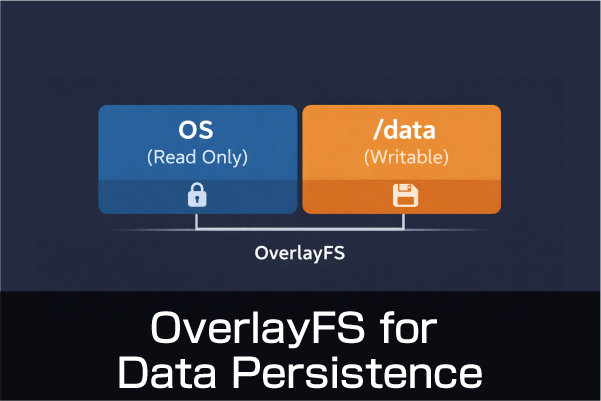
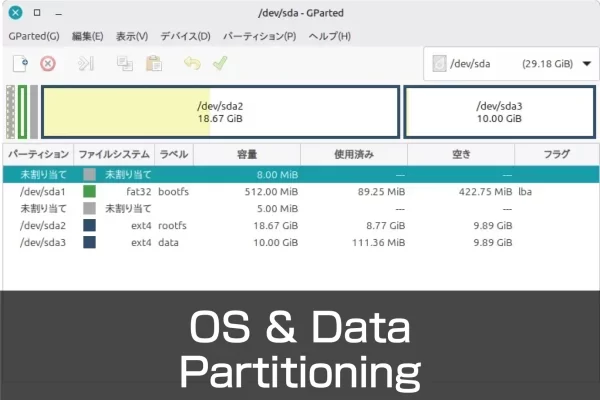
Partitions on external media can be modified while the system is running.However, the partition that the OS is currently running from cannot be modified directly.You must access it from another system. Here, the OS is written in Raspberry Pi Imager for use with Raspberry Pi devices such as Raspberry Pi 5 and CM5.The same partitioning procedure can be used for the Raspberry Pi OS as well as Ubuntu Desktop. Split into partitions Instead of partitioning from scratch, write the OS as usual with the Raspberry Pi Imager.Another partition is created after startup. Raspberry Pi OS Write Activate the written microSD card or other device as usual.Once activated on the Raspberry…