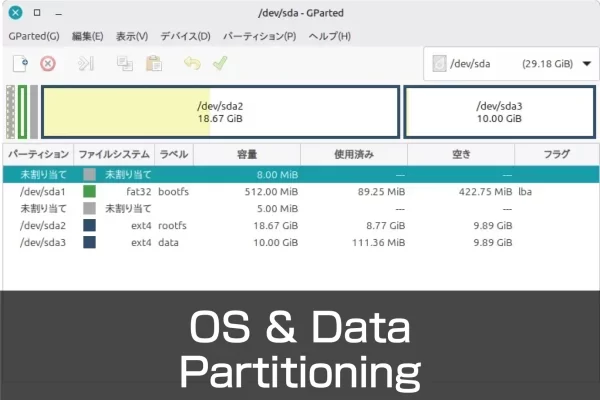
Partitions on external media can be modified while the system is running.However, the partition that the OS is currently running from cannot be modified directly.You must access it from another system. Here, the OS is written in Raspberry Pi Imager for use with Raspberry Pi devices such as Raspberry Pi 5 and CM5.The same partitioning procedure can be used for the Raspberry Pi OS as well as Ubuntu Desktop. Split into partitions Instead of partitioning from scratch, write the OS as usual with the Raspberry Pi Imager.Another partition is created after startup. Raspberry Pi OS Write Activate the written microSD card or other device as usual.Once activated on the Raspberry…
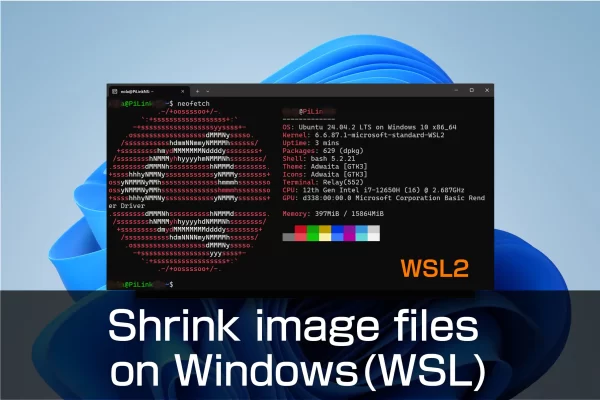
Shrink OS image files backed up only by Windows
The PiShrink tool software allows you to reduce the size of the Raspberry Pi OS image file that you have backed up in its entirety beforehand. The reason why it is necessary to reduce the size of the image file is because the file size will inevitably become huge, making it difficult to save and handle. The backup image file for the Raspberry Pi Compute Module 4 that we have prepared is about 30 GB. Multiple backup files require even more storage space. Even if the files are stored in a different location, it will take a considerable amount of time to move or copy the files. If the file…
Media center that can stream videos and slideshows inside and outside the company
LibreELEC will also be carried by Industrial Raspberry Pi
Video playback is surprisingly in demand for industrial applications. We installed LibreELEC, a well-known media center, on an industrial Raspberry Pi.
7 OSes that can be utilized with the Raspberry Pi CM4
The factory image of PiLink’s industrial Raspberry Pi PL-R4 with the CM4 installed has the Raspberry Pi OS installed; Ubuntu can also be run on models with 4GB RAM or more. There are many other operating systems that can be run on the Raspberry Pi, so we will introduce the 7 operating systems that can be installed* on the Raspberry Pi CM4.